 Accessible Home Hub
WORLDWIDE PLANNING · PRACTICAL GUIDE
Smart locks, motion lights and voice controls: plan backup access
Make everyday entry and lighting usable when automation is unavailable.
Planning & practical guidance
Separate unlocking from opening the door
Record whether the resident needs help with a key, latch, handle, door weight or threshold. A smart deadbolt can change unlocking but does not move the door or remove an entry barrier. Check door alignment and approach first, then trial controls with the resident and their usual equipment.
Try controls and confirm model features
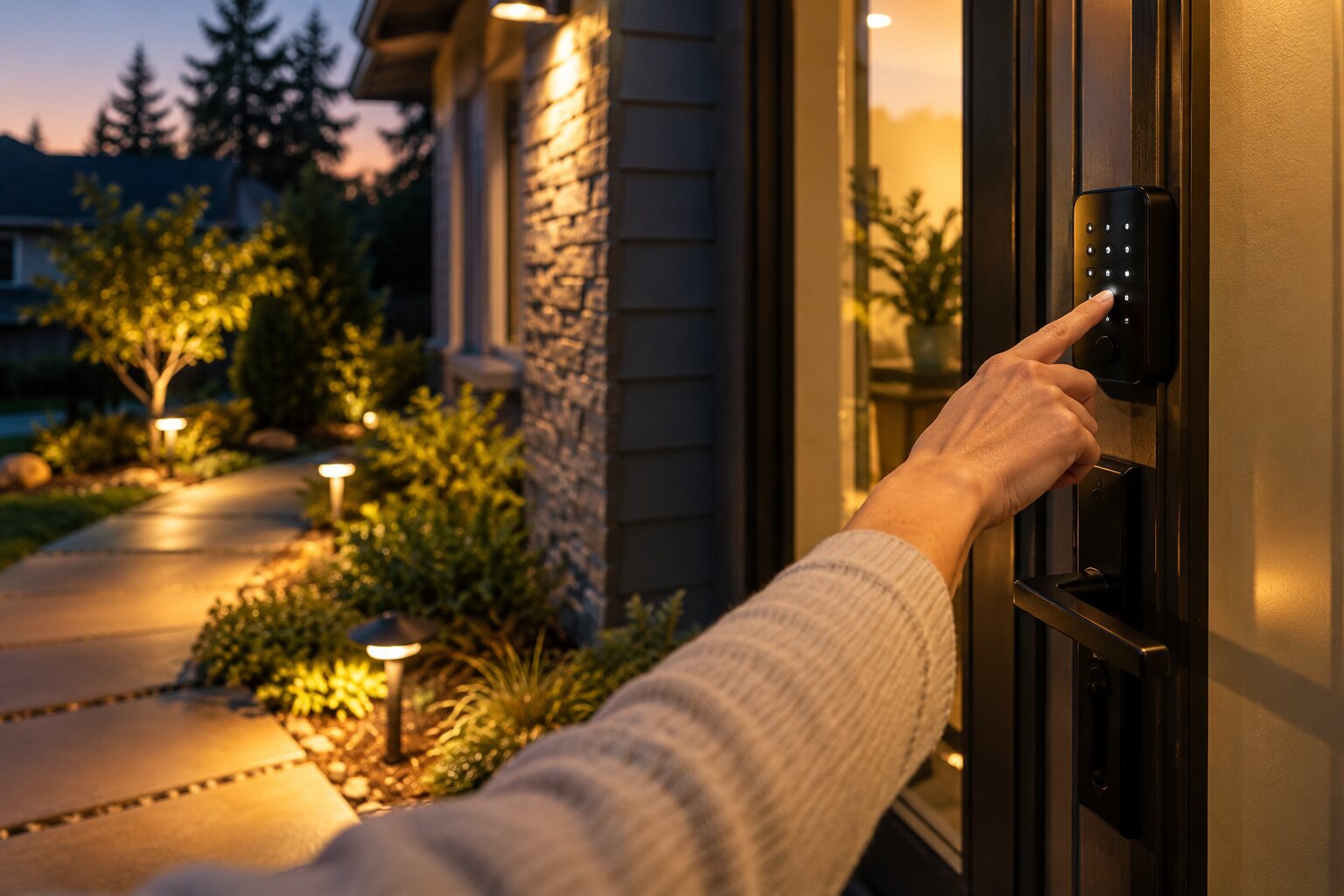
Compare keypad visibility, physical buttons, app use, biometrics and voice commands. Auto-unlock, temporary codes and remote access vary by model, phone, hub and account. Matter or Thread support alone does not guarantee proximity unlocking. Assess usable reach and operation, rather than assuming a fingerprint reader or touch screen suits everyone.
Use operable-parts standards within their scope
ADA section 309 generally requires one-handed operation without tight grasping, pinching or wrist twisting, and no more than 5 pounds of activation force, subject to exceptions. Reach and clear-floor-space requirements also apply where scoped. These provisions do not automatically certify a smart product or set every private-home requirement worldwide.
Plan backup entry and caregiver permissions
Confirm low-battery warnings, local operation during network loss, a backup key or approved emergency-power method, and access from inside. An external 9-volt terminal is not universal. Assign individual visitor permissions where supported and agree revocation, lost-phone recovery and account ownership. Check local fire, escape and installation requirements.
Set motion lighting around the real route
Assess sensor placement, coverage, activation delay, timeout and a reachable manual override. Trial brightness, glare and contrast along the bed-to-bathroom route and entrance. A 2700K lamp alone does not guarantee comfortable vision or prevent falls. Have fixed wiring and wet-area installation checked under local electrical requirements.
Keep voice automation optional and maintainable
Test commands with the resident’s speech and hearing needs, including when tired or the room is noisy. Keep usable physical controls for voice, internet or power failure. Document routines, updates, subscriptions and who supports the system. A voice-triggered light is not a monitored emergency call service.
Check the accessible control and record the trial
Use the low-vision and hand-movement task map alongside the entry and lighting questions above, then type and print a trial record for the exact setup and agreed backup. Related planning links added 30 October 2026; the source-review dates below are unchanged.
Plan together
For residents and families
Record the task, resident preferences and constraints, then discuss options with an individual assessor.
For contractors and professionals
Confirm assessed needs, manufacturer instructions and local requirements before specifying work.
Return to the room-by-room planning checklist
Record priorities on the free home planning sheet
Sources & further reading
Sources reviewed 7 October 2026. No hands-on product testing or professional certification is claimed. US standards are contextual references, not universal private-home rules.
Turn this guide into a plan
Choose the next step that fits your project. These tools help prepare a discussion; they do not replace an individual assessment.